
For teams managing client accounts
Client access,
without chasing people.
Keep passwords and shared 2FA in one workspace. Use MCP and CLI to find account information and request approval.
What do you need to do?
Pick one useful task
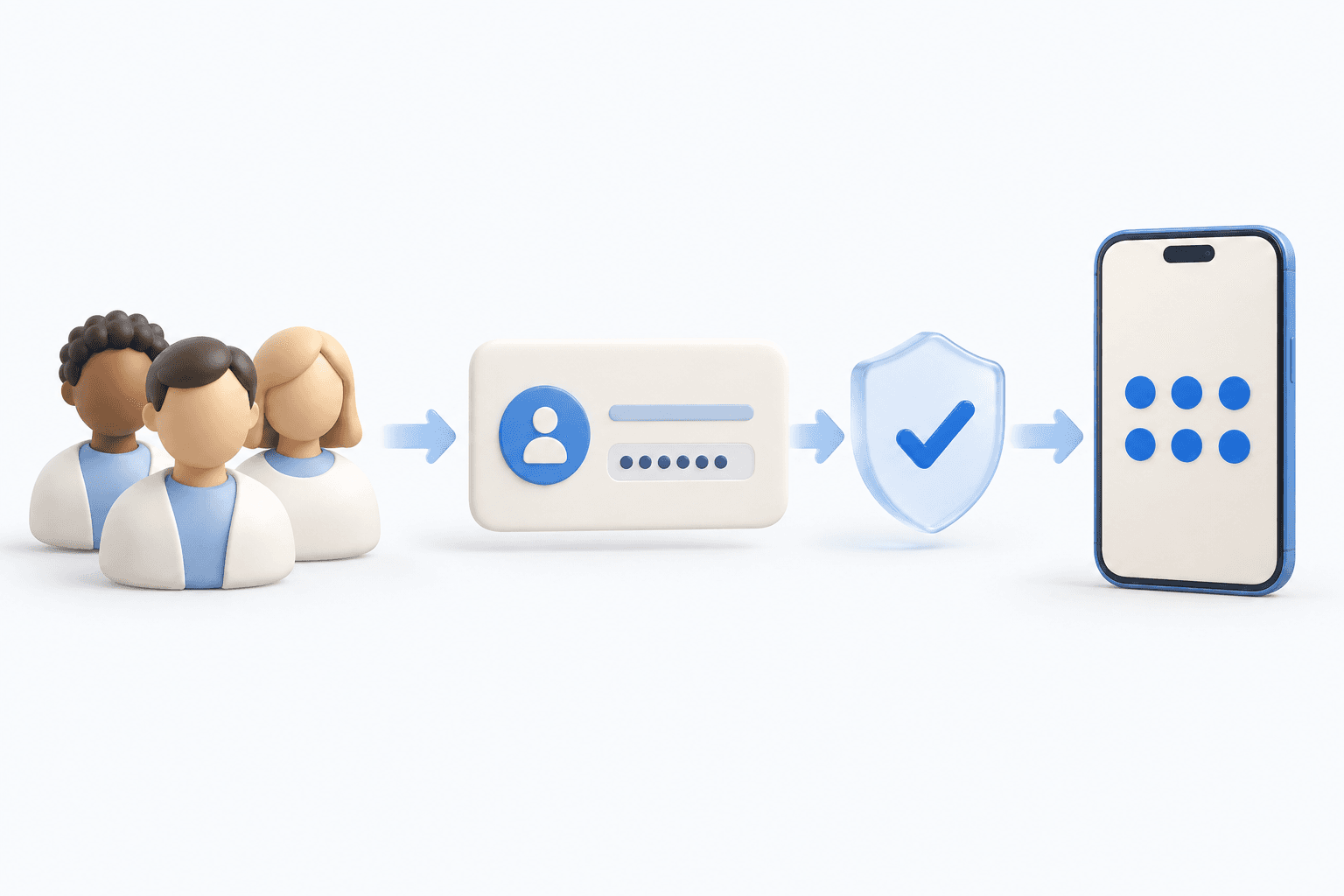
Useful access. Clear boundaries.
A private team vault
Keep passwords and notes together. Give teammates access to the collections they need.
Your team. Their own sign-ins.
Each person uses their own SecretSeal account. Review permissions as people and projects change.
AI with a defined role
MCP and CLI can find account information and request approval. Passwords and codes stay with people.
About AI accessStart with one useful task.
Create a free workspace. Add your team when you’re ready.